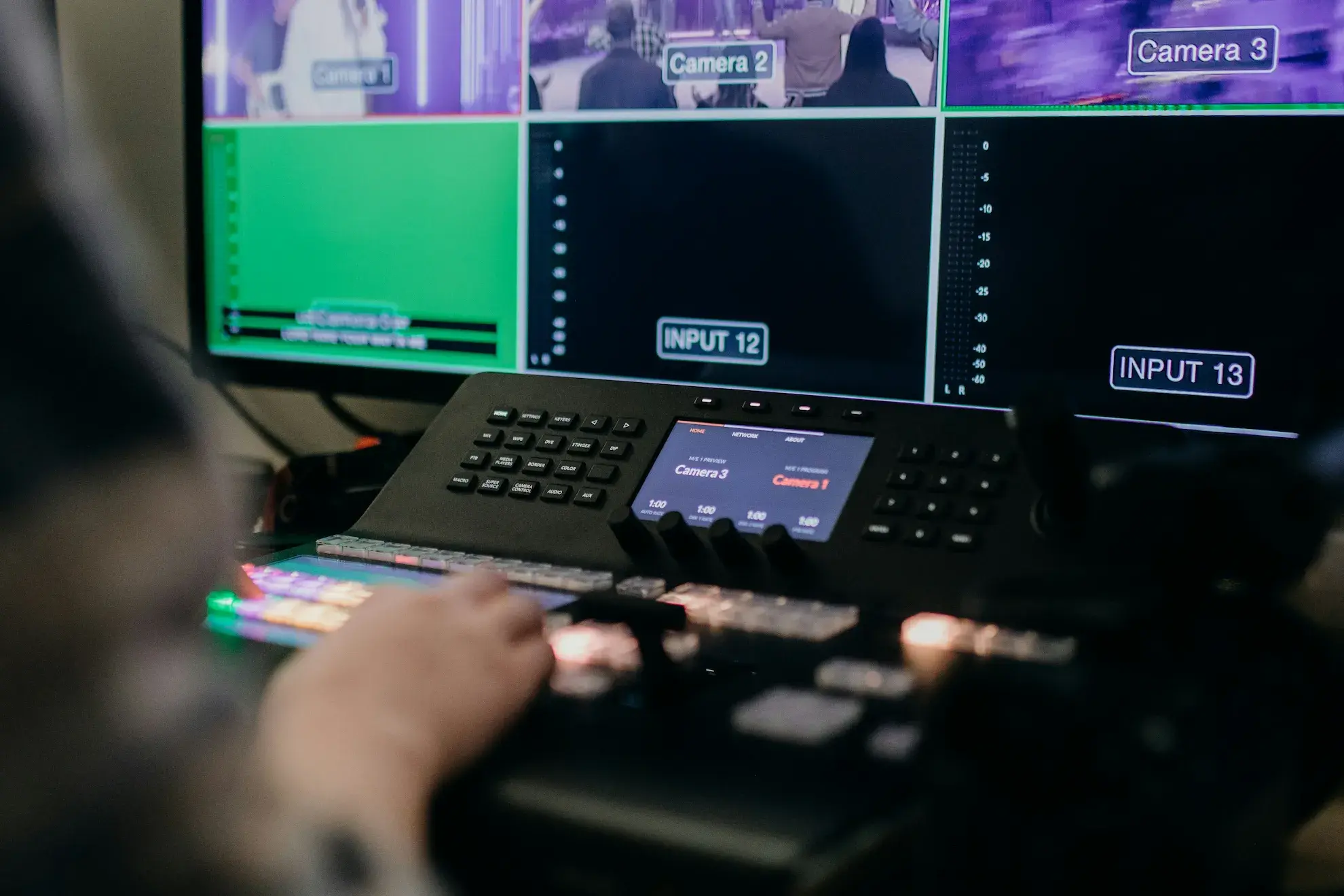
Corporate event live streaming has moved far beyond pointing a camera at a stage and sending the feed online. Whether you’re streaming a conference, webinar, executive presentation, product launch, or panel discussion, viewers increasingly expect a polished experience that feels deliberately produced.
The difference often comes down to how you present the content on screen. Picture-in-picture layouts, broadcast graphics, and live captions can transform a straightforward corporate stream into something that looks and feels much closer to a professional broadcast.
What Turns a Corporate Event Live Stream Into a Professional Broadcast?
A professional corporate event stream brings multiple elements together without distracting viewers from the event itself. Speakers, slides, graphics, branding, and important information should all have a clear place on screen.
Rather than relying on a single full-screen camera, producers can build different layouts or scenes for each part of an event. A keynote might show a speaker beside their slides, while a panel discussion could switch between individual speakers and a multi-person view.
Three production tools are particularly useful for creating this broadcast-style experience: picture-in-picture layouts, lower thirds and broadcast graphics, and live captions.
Production Tool 1: Picture-in-Picture (PIP) Layouts
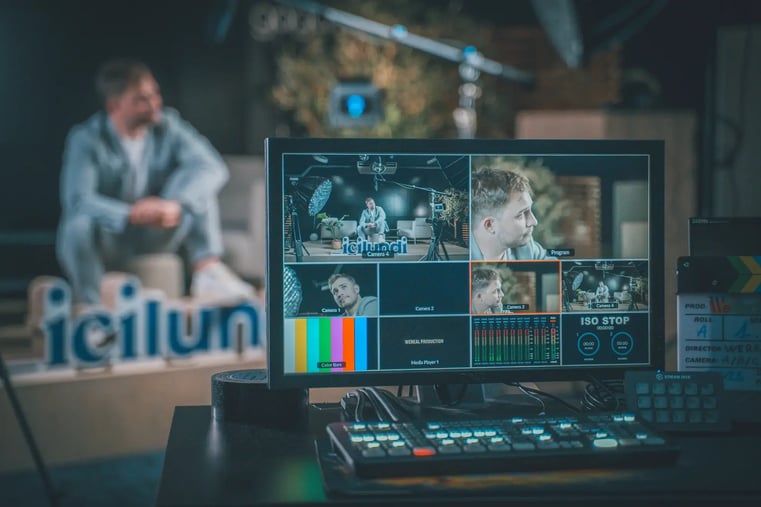
Picture-in-picture, commonly called PIP, allows two or more visual sources to appear on screen at the same time.
For corporate events, this means the director (usually part of the AV production team) will alternate between camera shots, presentation material, or PIP depending on what the focus is.
Keep Speakers and Presentation Content on Screen Together
PIP is particularly effective for webinars, presentations, training sessions, and product demonstrations.
Instead of switching completely from the presenter to a PowerPoint deck or screen share, you can keep the presenter visible in a smaller window while making the presentation the primary focus.
This maintains a human connection while ensuring important information remains easy to see.
Use PIP for Interviews, Panels, and Remote Guests
PIP layouts can also make interviews and panel discussions more dynamic. Multiple participants can remain visible during a conversation, while the production team switches to a larger view of whoever is speaking.
For hybrid corporate events, the same approach can bring remote contributors onto the screen alongside speakers at the physical venue.
Keep PIP Layouts Clear and Simple
More sources don't necessarily mean a better broadcast. Too many windows can quickly make the screen feel crowded, particularly for viewers watching on smaller devices.
Build a limited number of layouts in advance and make the most important speaker, slide, or demonstration visually dominant.
Production Tool 2: Lower Thirds and Broadcast Graphics
Watch a professional television broadcast and you'll rarely see unidentified speakers or unexplained segments. Lower thirds, titles, logos, banners, overlays, and transitions provide context without stopping the program.
The same techniques can significantly improve corporate event live streaming.
Use Lower Thirds to Identify Speakers
A lower third is a graphic typically displayed near the bottom of the screen. It can show a speaker's name, job title, company, or other relevant information.
Lower thirds are particularly useful during events with multiple executives, panelists, interviewees, or guest speakers.
Consistency matters. Using the same fonts, positioning, sizing, and graphic style for every speaker helps the event feel like one cohesive production.
Use Broadcast Graphics to Reinforce Your Brand
Company logos, branded backgrounds, overlays, banners, and color schemes can make a corporate live stream instantly recognizable.
Graphics can also separate a purpose-built broadcast from the appearance of an ordinary video meeting. The goal isn't to cover every available area with branding; it's to create a consistent visual identity that supports the content.
Use Titles and Graphics to Structure the Event
Graphics can tell viewers where they are in the program.
Opening titles can introduce the event, while session cards can signal a new keynote, panel, Q&A, or product demonstration. Pre-recorded videos and simple transitions can provide further variety between live sections.
Keep effects purposeful. A clean transition that helps viewers understand what's happening is usually more effective than an elaborate animation that draws attention away from the event.
Production Tool 3: Live Captions
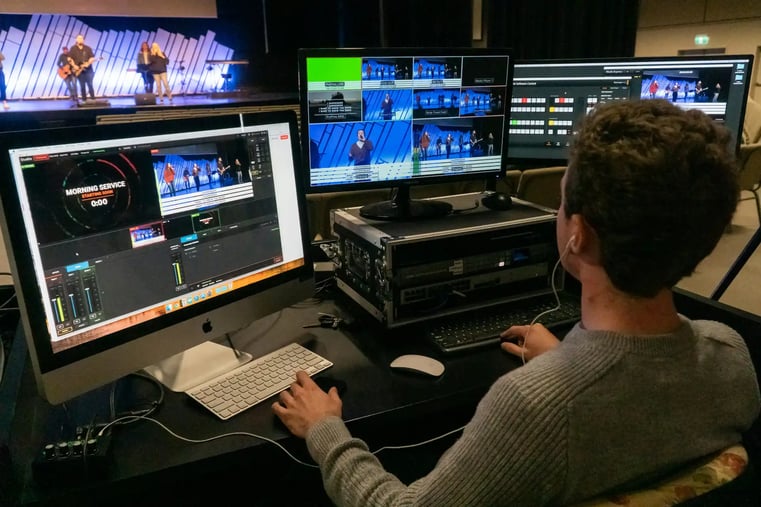
Live captions add real-time text for the words being spoken during an event. For speech-heavy corporate content, they can become an important part of the viewing experience.
Make Speech-Heavy Corporate Events Easier to Follow
Captions improve accessibility for deaf and hard-of-hearing viewers and can make presentations easier to follow in situations where audiences can't listen with the sound on. Additionally, many caption services offer live translation for multinational organizations.
They can also help viewers follow unfamiliar terminology, speaker names, or information during presentations, webinars, interviews, and panel discussions.
Caption accuracy matters, particularly when an event includes technical language, acronyms, product names, or industry-specific terminology.
Coordinate Captions With Lower Thirds and PIP Layouts
Captions shouldn't be treated as an afterthought.
If captions, speaker names, presentation slides, and PIP windows all occupy the bottom of the screen, they can quickly compete for space. Plan their positions together before the broadcast.
The objective is a clear visual hierarchy: viewers should immediately recognize the speaker, understand the supporting content, and read captions without important information being obscured.
How PIP, Broadcast Graphics, and Live Captions Work Together
The strongest results come when all three tools function as one visual system.
Consider a corporate panel discussion. A multi-speaker layout keeps the panelists visible, lower thirds identify each participant, and captions display the conversation without covering names or faces. As one speaker takes the lead, the producer can switch to a more focused layout.
For an executive presentation, the presenter could appear alongside their slides, with a lower third introducing them and branded graphics marking each new section. Captions then remain in a consistent, readable position throughout.
Planning these combinations before the event prevents the screen from becoming cluttered once you're live.
The Entire AV Production Makes the Live Stream Successful
An engaging live stream does not happen without great AV equipment and technicians running the show.
Using professional audio equipment and separately monitoring the in-room sound vs. the broadcast audio is crucial. Each requires a slightly different mix for clarity. Using at least two cameras gives the live stream a variety of video feeds. Professionally managed content like the graphics, video playback, and presentations ensures that the meeting stays on track.
Rely on your professional AV team to rehearse and craft the run of show to ensure the live stream tracks with the intended agenda.
Plan Your Corporate Event Stream Like a Broadcast
Professional corporate event live streaming is ultimately about creating a better experience for the person watching.
Picture-in-picture layouts let audiences see speakers and supporting content together. Lower thirds and broadcast graphics provide identity, context, structure, and branding. Live captions make spoken content more accessible and easier to follow.
Plan these elements as one system rather than adding them independently at the last minute. With clear layouts, purposeful graphics, readable captions, reliable audio, and rehearsed transitions, a corporate event can move beyond simply being streamed online and become a polished, professional broadcast.